
InstaPro For PC
Insta Pro for PC: How to Use It on Windows
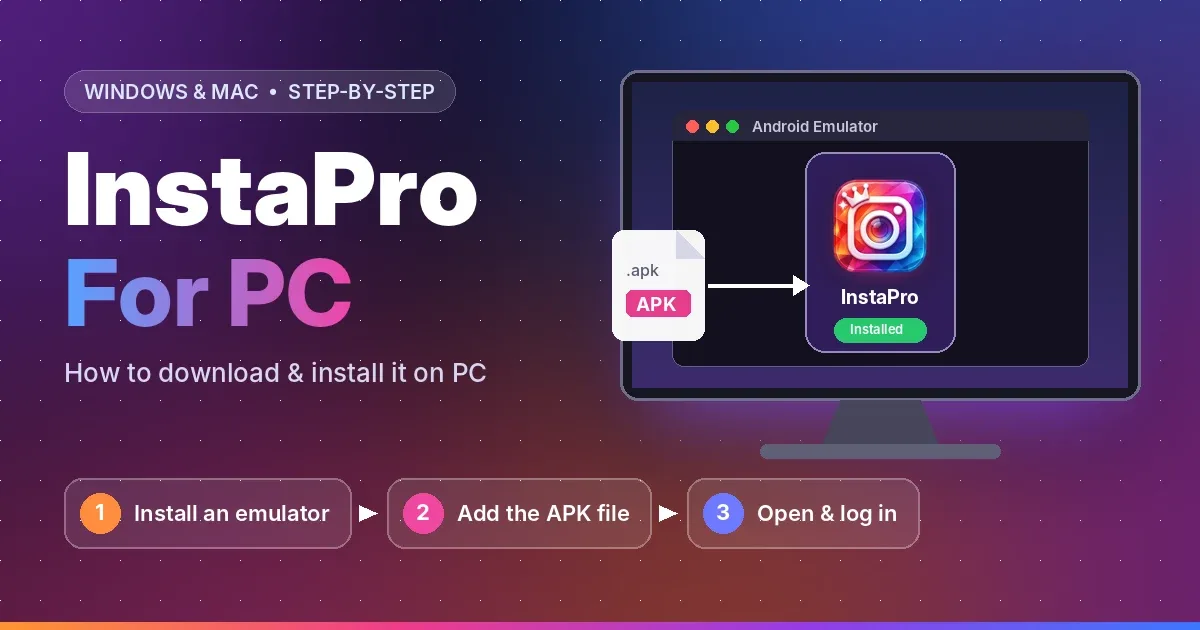
There's no Insta Pro program for Windows or Mac. Insta Pro is an Android app, but you can still run it on a computer with an Android emulator. That's a free program that works like an Android phone inside a window. This page shows you how to set it up, and when you might not need it at all.
Do You Really Need Insta Pro on PC?
If you only want to scroll, post or reply to DMs, Instagram's website works fine in any browser. You don't need to install anything. InstaPro on PC makes sense when you want its extra tools on a big screen, like saving Reels and Stories in bulk or using ghost mode while you browse.
What Your PC Needs
BlueStacks, the most popular emulator, lists these requirements for BlueStacks 5:
|
Item |
Minimum |
Better |
|
Windows |
Windows 7 |
Windows 10 or 11 |
|
Processor |
Intel or AMD |
Multi-core Intel or AMD |
|
RAM |
4 GB |
8 GB or more |
|
Free space |
5 GB |
An SSD |
InstaPro For PC is a large app, so leave a few extra GB free for it and for the media you save. Windows 11 used to run Android apps on its own, but Microsoft shut that feature down in March 2025. An emulator is now the way to do it.
How to Install Insta Pro on PC
-
Download BlueStacks from its official website and install it. This takes a few minutes.
-
Download the Insta Pro APK on your PC from our download page.
-
Open BlueStacks. You can skip the Google sign-in if it asks.
-
Drag the APK file into the BlueStacks window, or click Install APK in the side toolbar and choose the file.
-
Open Insta Pro from the BlueStacks home screen and log in.
Where Do Saved Files Go on PC?
Files you save in Insta Pro are stored inside the emulator, not in your normal Windows folders. To move them to your PC, use the emulator's media manager or file-sharing option. In BlueStacks, look for Media Manager in the side toolbar.